Cryo: frozen Macs, thawed in seconds
5 min read
A week ago I wrote about the macOS sandbox I actually want and ended with “Nobody has all of this yet.”
So I built it. It is called Cryo, and it is open source.
cryo lease            # L81 ready: ssh cryo-L81
ssh cryo-L81 'xcodebuild test ...'
cryo release L81      # gone; a clean one is already thawing
What it is
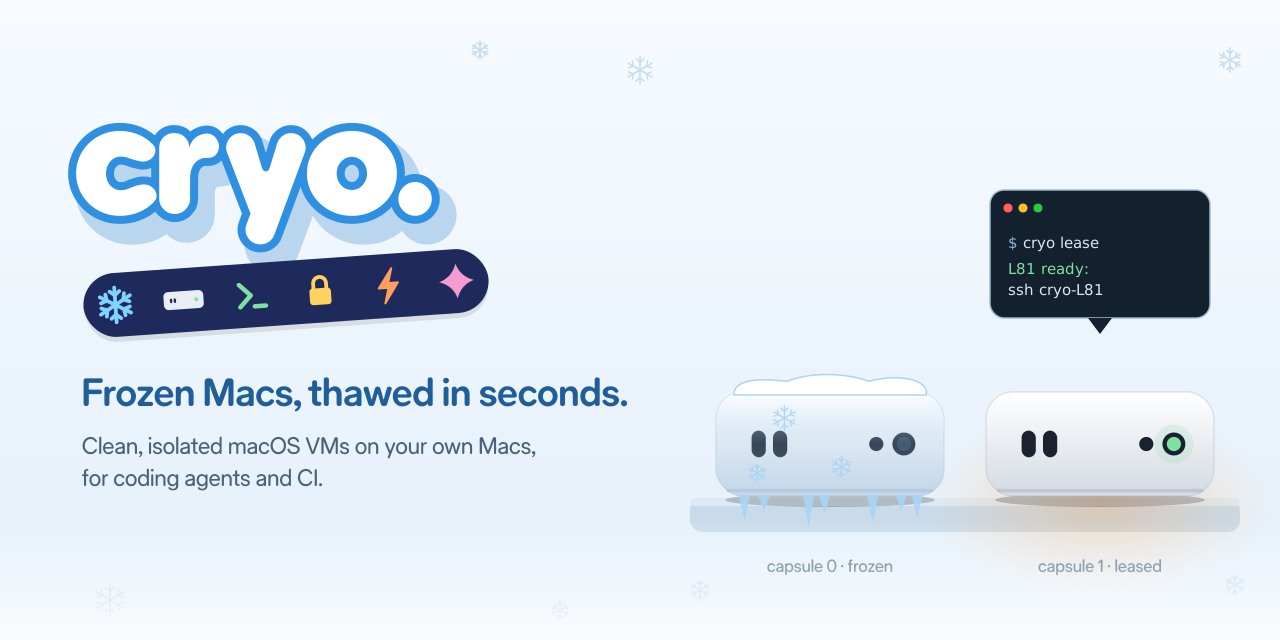
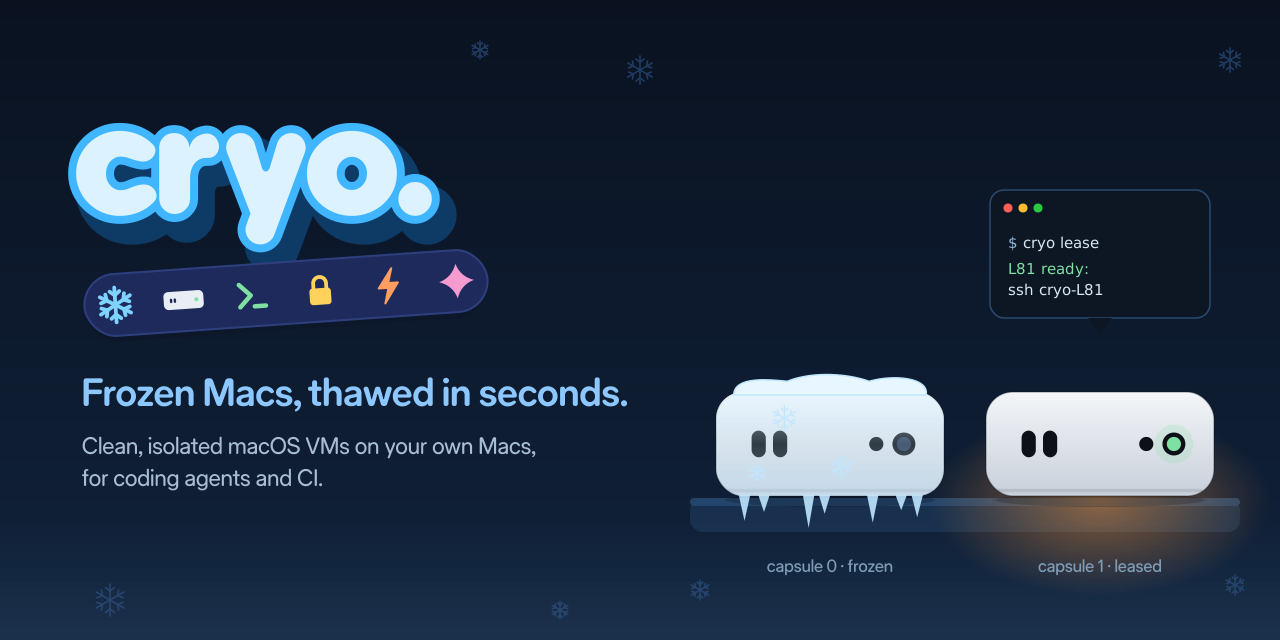
Cryo turns the Macs you already own into a pool of clean, isolated macOS VMs. Each VM waits on disk as saved machine state, frozen. When an agent asks for a Mac, Cryo thaws one and hands it over. When the agent is done, the VM is thrown away and a fresh one is thawed in its place.
The words come from cryo-sleep in sci-fi: crews frozen in stasis and woken up when needed. A bay is one Mac. A capsule is one VM on it. Apple’s license allows two macOS VMs per Mac, so each bay has two capsules.
The wishlist, checked
Here is the list from last week, and where Cryo is today:
- Restore, not boot. A capsule waits as saved state and is restored ahead of time. Getting a lease is a resume plus an SSH login, well under a second on my M1 Pro. A cold boot takes many seconds.
- One Mac per task, thrown away after. Every lease gets its own copy-on-write disk, a fresh SSH key and its own network. Release deletes all of it.
- Builds that start warm.
cryo image build --xcodeputs Xcode and the simulator runtimes into a golden image. Freezing runs a warm-up build first, so the first build in a lease is not a cold one. Per-project cache disks keep DerivedData and packages between leases. - Agents talk to it over MCP.
cryo mcphaslease_mac,run,copy_in,copy_outandrelease_mac. There is also an agent skill. Claude Code, Amp or any MCP client picks it up with one line. - It runs on Macs I already own. A mini at home, a laptop, a shelf of minis. No account and no per-minute bill.
Pausing a VM with Xcode open and forking a warm one are still on the wishlist.
Isolated by default
Each capsule gets its own network. A firewall keeps it away from the host, the LAN and the other capsule; it only reaches DNS and the internet. Agents never see a capsule’s IP. They go through cryo ssh, with a key that only works for that lease.
That is the part I care about most. My laptop has my keychain and my SSH keys. An agent that runs commands on its own should not be anywhere near them.
CI on the same Macs
The same capsules run GitHub Actions jobs. cryo-ci watches your repos for jobs that ask for a cryo label, leases a capsule for each one, starts a one-job runner in it, and releases the capsule when the job ends.
jobs:
  test:
    runs-on: cryo-xcode-27.2
Agents and CI share the bay and its queue. The mini is busy all day instead of waiting for the next job.
What inspired it
Two products shaped Cryo.
Amp’s macOS Satellites. The thread stays on Linux, and Amp starts a Mac only when the task needs one. That is the right split. Most of an agent’s work does not need macOS, but when it does, it needs a real Mac with Xcode and the simulator, not a guess.
Tuist Runners. A fresh VM for every job, cache volumes per repo, and an MCP server so the agent can read the logs. Tuist went down to the bare metal and racked their own Mac minis.
Why open source
The Tuist post has a paragraph that stuck with me:
When the knowledge to build something like this is available to anyone, keeping our implementation closed isn’t where the value lies. The value we provide is in packaging it all together, operating it, and offering a service that’s ready to use.
And a little earlier in the same post:
A few years ago, a team our size probably couldn’t have taken it on, but today, so much of that knowledge is available through AI models.
That is how Cryo was built: one person, a lot of reading of Apple’s Virtualization docs, and coding agents doing much of the typing. Anyone with the same idea can build the same thing now. Keeping the code closed would not protect much. Putting it out means people can read it, run it on their own Macs, and tell me where it breaks.
There is also the license. Apple allows two macOS VMs on a Mac you own or control, for your own use. Software that runs on your own Macs is the use the license is written for.
What it does not do yet
- macOS 27 only. It uses Virtualization APIs that are new in macOS 27. macOS 26 and earlier are not supported.
- Two capsules per Mac. That is Apple’s limit, not mine.
- The Mac stays logged in and unlocked. The bay runs as a LaunchAgent in your session.
- IPv6 is not fenced yet. The firewall is IPv4 only for now; it is the first open issue.
Try it
You need an Apple silicon Mac on macOS 27 with about 150 GB free.
brew install rizwankce/tap/cryo
cryo bay install            # LaunchAgent and firewall, one sudo prompt
cryo image build --xcode    # a golden image with Xcode
cryo image use <digest>     # freeze both capsules from it
cryo lease
For agents: claude mcp add cryo -- cryo mcp. For CI: brew install rizwankce/tap/cryo-ci.
The code is at github.com/rizwankce/cryo. If you try it, I would love to hear what breaks.