Give your agent a Mac over MCP
6 min read
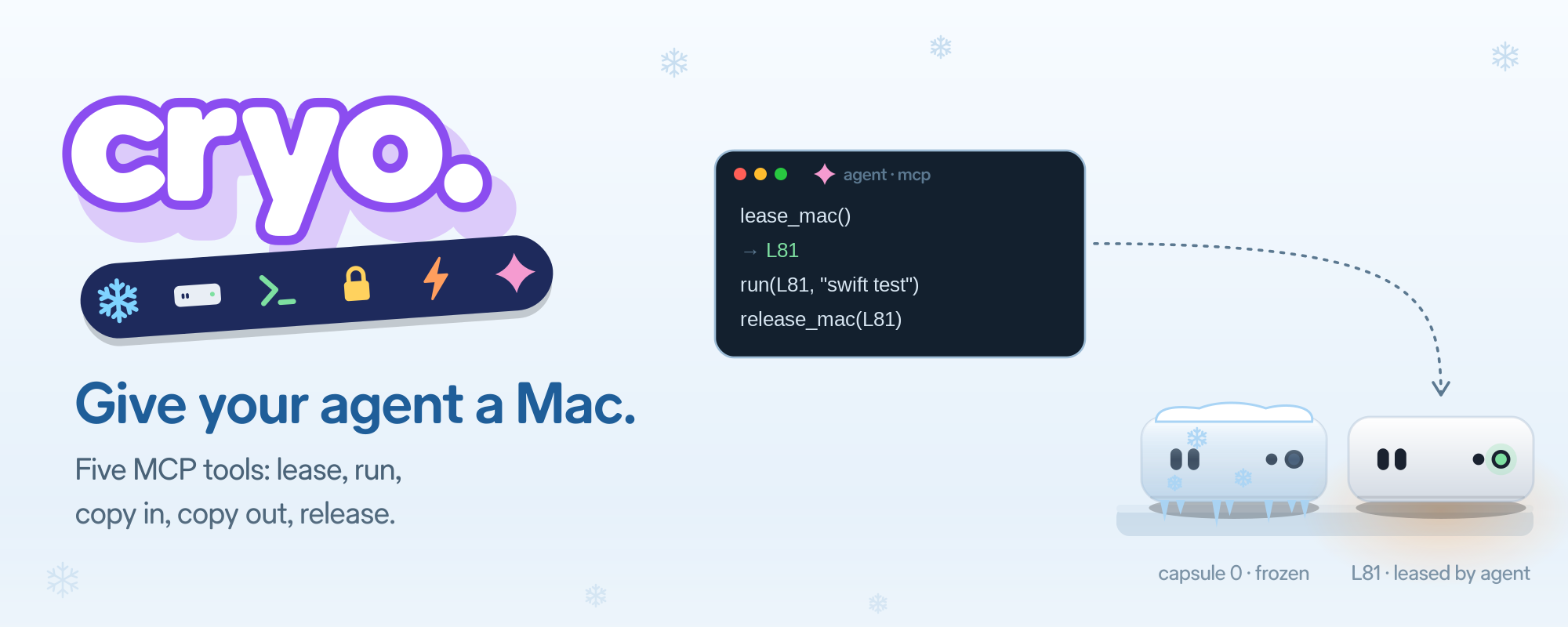
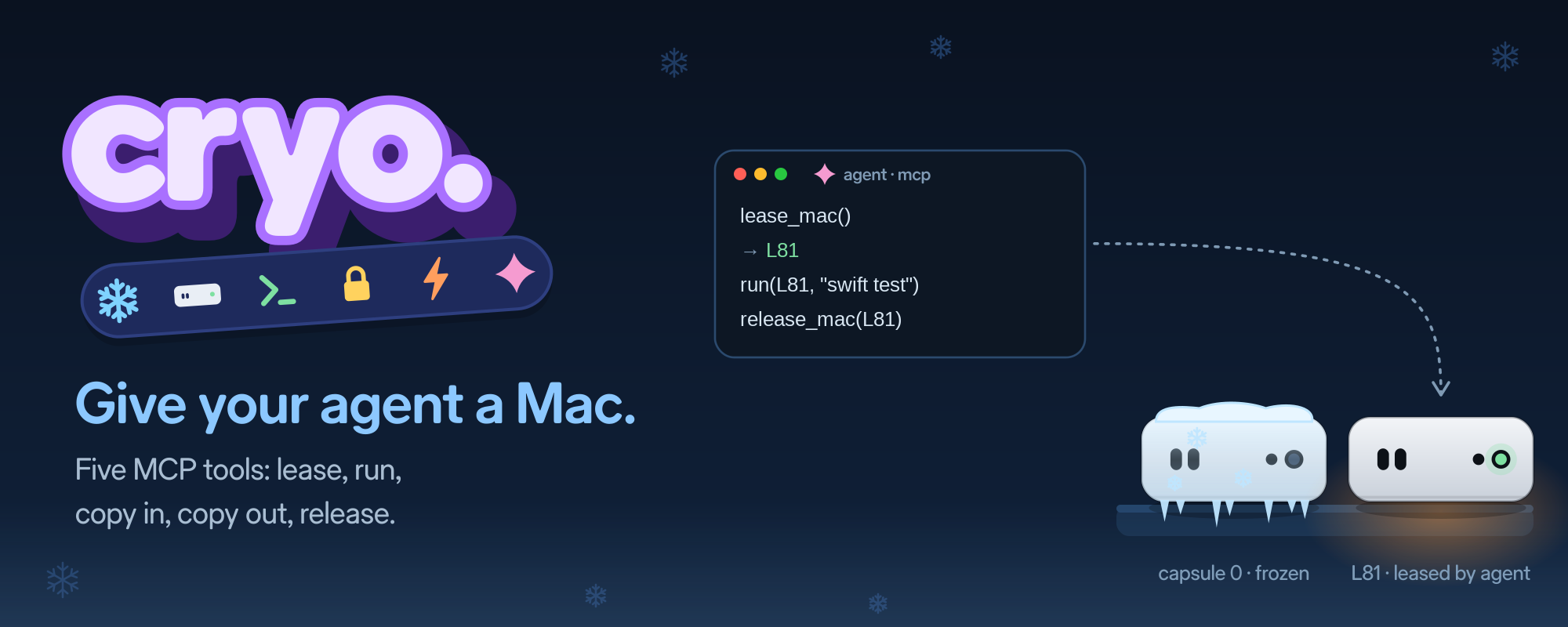
Cryo hands out clean macOS VMs from the Macs you already own. People can use it from the CLI. But I built it for agents, and agents talk to it over MCP.
This post is about that part: the tools, the skill, and what a real session looks like.
Setup is one line
brew install rizwankce/tap/cryo
claude mcp add cryo -- cryo mcp
That is Claude Code. Any other MCP client takes the same thing as JSON:
{ "mcpServers": { "cryo": { "command": "cryo", "args": ["mcp"] } } }cryo mcp is an MCP server over stdio. It talks to the bay on your Mac, or to any bay you point it at.
Six tools
| Tool | Does |
|---|---|
lease_mac(folder?, cache?, name?) |
Lease a clean VM; returns an ID like L81 |
run(lease, command, timeout?) |
Run a shell command; returns exit code, stdout, stderr |
copy_in(lease, local, remote) |
Copy files or folders into the VM |
copy_out(lease, remote, local) |
Copy files or folders out |
release_mac(lease, save_cache?) |
Give the VM back and delete it |
status() |
Show the bay, its capsules, and the queue |
That is the whole surface. I kept it small on purpose. An agent already knows how to use a shell. It does not need a tool for xcodebuild, one for swift test and one for the Simulator. It needs a Mac, a way to run commands in it, and a way to get files in and out.
folder clones a local folder into the VM as the lease folder, at /Volumes/My Shared Files. cache attaches a named cache disk for DerivedData and packages, so the next lease for the same project starts warm.
The boring details that matter
A few things I only got right after watching agents use it:
- Leases renew themselves. The MCP server renews its leases every minute and releases them when it exits. An agent that forgets to call
release_macdoes not hold a Mac forever. An unused lease expires after about 5 minutes. - No long waits. When both VMs are busy,
lease_macwaits at most 30 seconds and then says “call again”. MCP clients give up on a call after about a minute. A longer wait would win a lease the agent no longer knows about. - Timeouts kill the work.
runhas a timeout (600 s by default, 3600 max). When it hits, the command’s whole process group in the VM is killed, not just left running. - Output keeps the tail. Long build logs keep only the end of each stream, about 100 KB. That is where the error is anyway.
The skill: use it by default
The MCP tools tell an agent what it can do. The skill tells it when.
The rule is simple: run builds, tests and Simulator sessions in a VM, not on the host. Even on a Mac that has Xcode installed. Do the same for untrusted code and for anything that installs tools.
Why even on a Mac with Xcode? Because the host has my keychain, my SSH keys, my Simulators and my global tools. Nothing in a VM can touch them. And each lease starts clean, so two agents working in parallel do not fight over DerivedData, Simulators or ports.
The skill also carries the rules I learned the hard way:
- Work in
/Volumes/My Shared Files. - Boot one Simulator and reuse it. Pass
-parallel-testing-enabled NOtoxcodebuild. Parallel testing clones Simulators, and in a VM that is slow and flaky. - Never leave work only in the VM. Copy results out or push before you release. Release deletes everything.
Homebrew installs the skill with the binary. Link it for Claude Code with:
mkdir -p ~/.claude/skills
ln -s "$(brew --prefix cryo)/share/cryo/skills/cryo" ~/.claude/skills/cryo
cryo mcp also sends a short version of these rules when the client connects, so an agent without the skill still gets them.
One honest note. The first version of the skill said to use Cryo on Linux, or when the host “must stay clean”. On my Mac, the agent read that, decided my Mac was fine, and never used it. The fix was to say “by default, even on a Mac with Xcode” in plain words. Agents do what the description says, not what you meant.
A real session
I gave Claude Code only the Cryo MCP tools and a small Swift package, and asked it to run the tests. It did this on its own:
lease_mac(folder: ".")                         → L…
run(L…, "swift test")                          → build 10.3 s, 1 test passed
run(L…, "xcodebuild -version")                 → Xcode 27.2
copy_out(L…, "…/results", "./results")
release_mac(L…)
Six tool calls, 52 seconds end to end, including the build. It needed no help beyond the tool descriptions.
The lease itself is the fast part. On my laptop, a lease came back in 227 to 397 ms, with macOS 27.2 and Xcode 27.2 inside.
 agent ──MCP──▶ cryo mcp ──▶ bay ──▶ capsule (clean macOS VM)
   ▲                                     │
   └──────── exit code, stdout, files ───┘
It works from Linux too
cryo mcp builds for Linux as a static binary. Point it at a bay on your network with CRYO_URL and a token, and an agent on a Linux box gets a real Mac with Xcode when the task needs one. Most agent work does not need macOS. When it does, it shouldn’t have to guess.
What it does not do yet
- No screen. The agent works over SSH. There is no way yet to watch the Simulator live from the agent’s side.
- Two VMs per Mac. That is Apple’s limit. A third agent waits in the queue.
- Nothing reaches back to your host. A VM cannot call a dev server on your laptop. That is on purpose for now, but it means backend-dependent tests need another way in.
Try it
brew install rizwankce/tap/cryo
cryo bay install
claude mcp add cryo -- cryo mcp
Then ask your agent to run your tests “in a clean Mac”. The code is at github.com/rizwankce/cryo.