Two VMs per Mac
5 min read
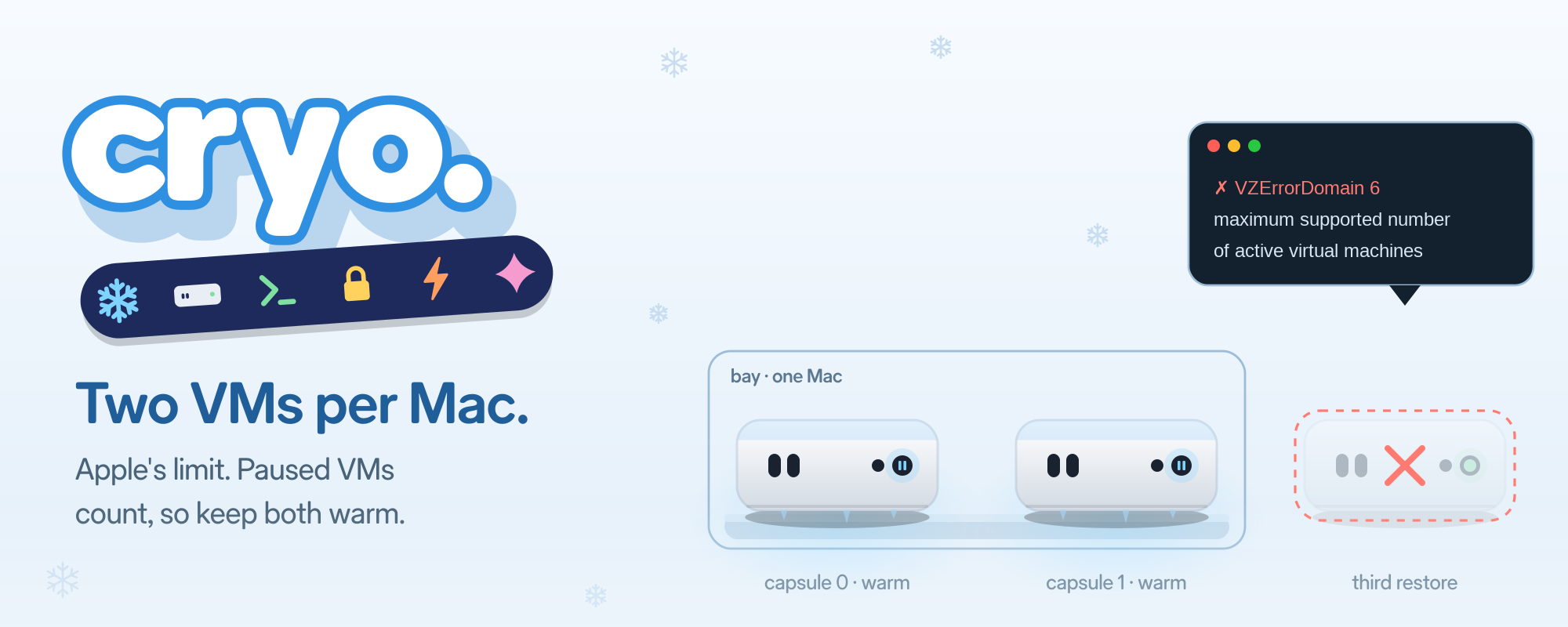
When I launched Cryo I wrote one line about the limit: “Two capsules per Mac. That is Apple’s limit, not mine.”
That line shapes most of the design, so this post is about it.
The limit is real, and paused VMs count
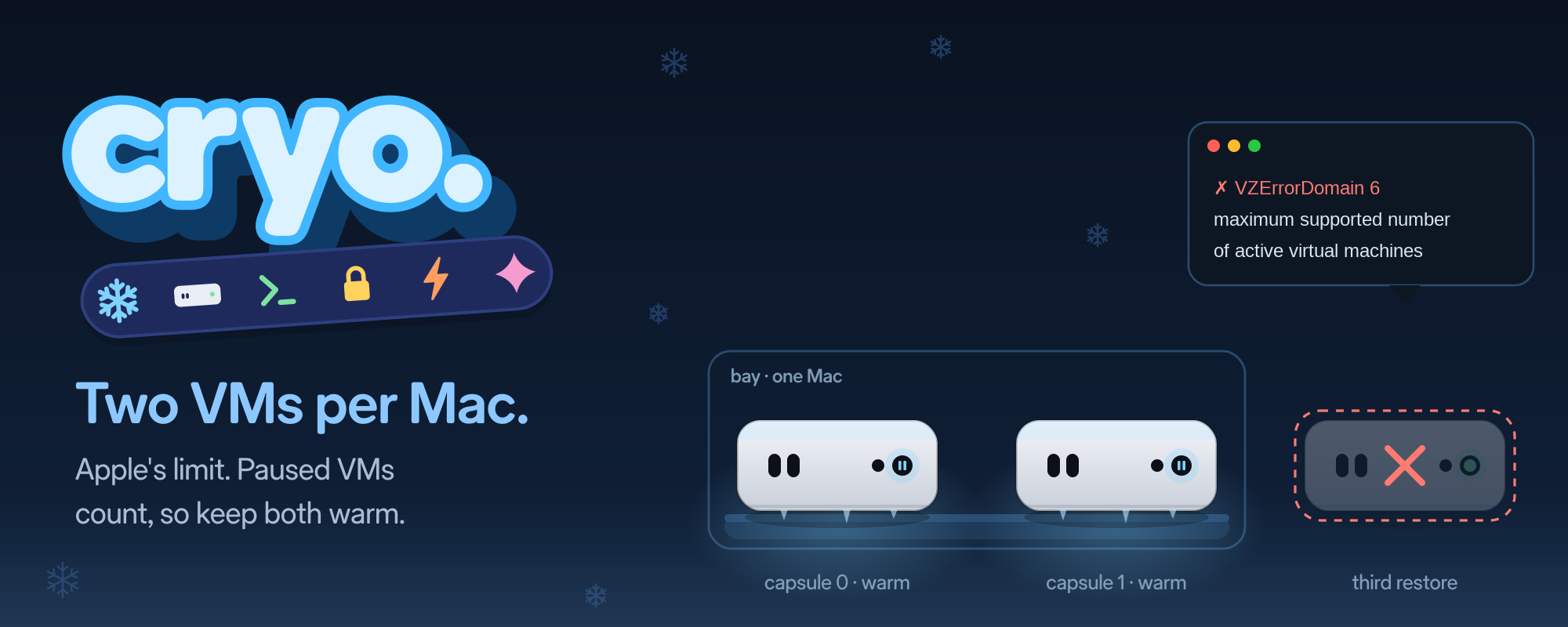
Apple’s license allows two macOS VMs on a Mac you own or control. The Virtualization framework enforces it. On macOS 27.2 I restored two VMs, left them paused, and tried a third. The third restore failed with VZErrorDomain 6: “maximum supported number of active virtual machines”.
So a paused VM counts the same as a running one. There is no trick where you keep five VMs warm in RAM and only run two. A Mac holds two warm VMs, and that is all.
The good news: a failed third start does not leak anything. Right after it, two VMs started fine.
Two capsules, two identities
Cryo calls each VM position a capsule. A bay is one Mac, and it runs two.
You cannot restore the same saved state twice at once. A second restore of the same state, even from a copy of the file, fails while the first VM is alive. The machine identifier and the MAC address are baked into the saved state, and changing either breaks the restore.
So each capsule is frozen on its own, with its own machine ID, its own MAC and its own subnet:
  bay (one Mac)
  ├── capsule 0   own machine ID · own MAC · 10.77.0.0/24
  └── capsule 1   own machine ID · own MAC · 10.77.1.0/24
        both built from the same golden image on disk
Both share one read-only golden disk. Each lease gets a copy-on-write layer on top, which costs about 20 ms and close to zero bytes.
Keep both warm, all the time
If only two VMs can exist, the best thing they can do is be ready. A capsule waits restored and paused, with SSH already warm. A lease is just a resume plus one login.
On my M1 Pro with an Xcode image and 8 GB capsules, a lease takes 135–198 ms.
The slow part is the refill. When you release a lease, the bay stops the VM, throws away the lease’s disk layer and key, and builds the next one:
release ──▶ stop VM, delete lease layer           0.25–0.77 s
refill  ──▶ restore saved state
            resume, check SSH
            new host key, new hostname
            new per-lease SSH key
            3 warm-up logins
            pause                                  6–11 s total
lease   ──▶ resume + 1 login                       135–198 ms
All of the refill happens after the release and before the next lease. Nobody waits for it unless both capsules are busy.
When both are busy, you queue
Two capsules means a third request has to wait. The bay keeps one queue for everyone:
cryo lease                 # waits for a capsule (bay default)
cryo lease --wait 300      # waits up to 5 minutes
cryo lease --wait 0        # fails at once with no_capacity
In my first tests a queued request was served 10.5 s after a release: that is one refill.
The soak test shows what this looks like under load. Three clients on two capsules, 200 leases in a row, each one running over SSH, checking the capsule is clean and releasing. All 200 passed in 721 s. The median wait was 9.2 s and the longest was 14.4 s. That wait is the refill and nothing else.
Agents and CI share the queue
This is the part I like. An agent asking for a Mac over MCP and a GitHub Actions job from cryo-ci go through the same bay and the same queue.
  agent (MCP) ──┐
  cryo lease  ──┼──▶ bay queue ──▶ capsule 0
  cryo-ci job ──┘                └▶ capsule 1
A mini that only runs CI sits idle most of the day. A mini that only serves agents sits idle at night. One queue for both keeps it busy.
What two capsules cost
Each capsule holds its RAM while paused. With two 8 GB capsules, that is 16 GB held all the time. On a 32 GB Mac that leaves room for the host. On a 16 GB Mac mini, size the capsules smaller (e.g. 4–6 GB).
Disk is cheaper than you think. Both capsules share the golden image, and a saved state is roughly the guest’s resident memory, a few GB each.
What it does not do yet
- No third warm VM. Extra warmth can only be frozen state on disk, and a thaw from disk takes seconds, not milliseconds. I have not built that path.
- No smart scheduling. The queue is first in, first out. A CI job and an agent have the same priority.
- More capacity means more Macs. Two per Mac is the ceiling, so scaling out means adding another mini (which
cryo deckpools behind a single endpoint).
Try it
brew install rizwankce/tap/cryo
cryo bay install
cryo status          # both capsules, thawed or refilling
The bay’s lease rules and queue are in docs/spec/bay.md. The code is at github.com/rizwankce/cryo.