Built to not leak
5 min read
Cryo runs two macOS VMs per Mac. That is Apple’s limit. It also means leaks hurt more than usual.
On a Linux box, a stuck container costs you a bit of RAM. On a Mac with two VM slots, one leaked VM takes half the machine. Two take all of it. So I spent a lot of the build on cleanup.
What can leak
A lease is more than a VM. Each one has:
- a running VM, which counts against the limit of two
- a network subnet held by macOS for that VM
- a copy-on-write disk layer
- a per-lease SSH key and a block in an SSH config
- a lease folder shared into the guest
- sometimes a cache disk attached over USB
Release has to undo all of it, every time, including when things go wrong.
Release is a host stop
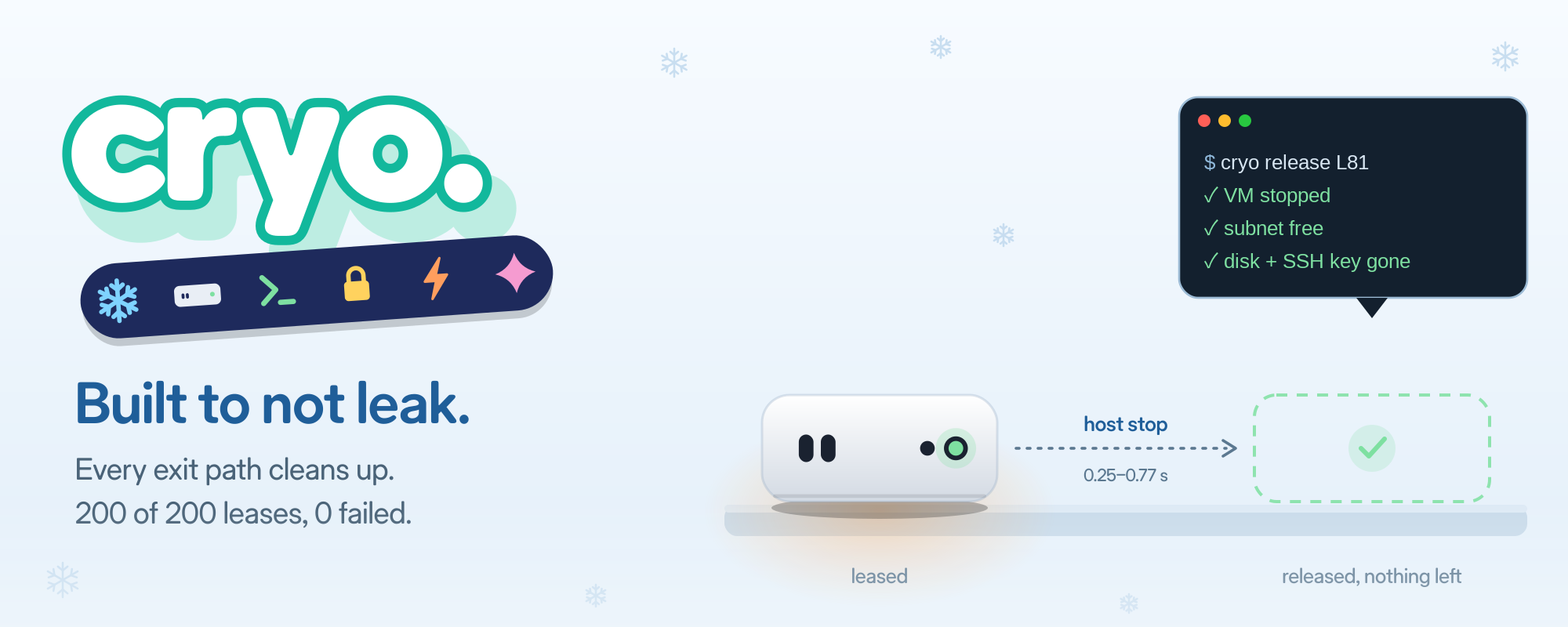
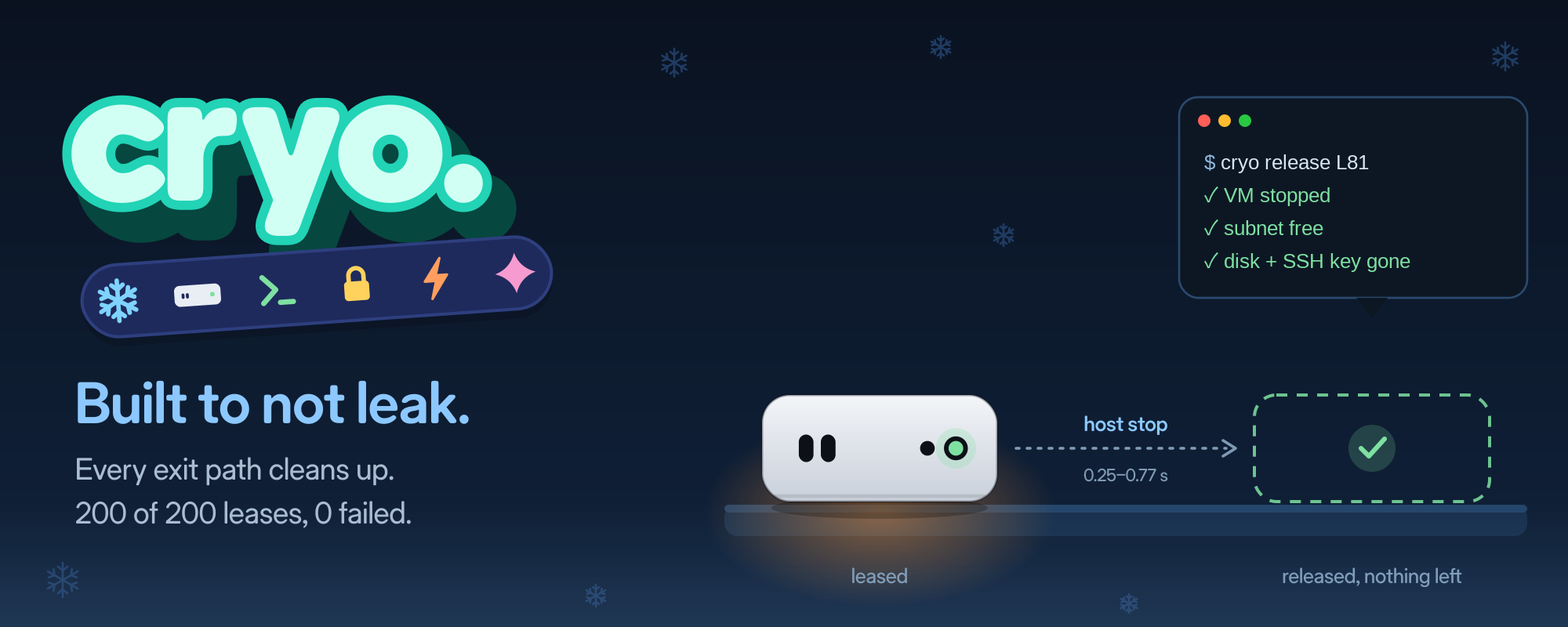
The bay never asks the guest to shut down. It stops the VM from the host, syncs and detaches the cache disk, saves it, and deletes the rest. That takes 0.25–0.77 s.
A guest shutdown is slower, 7–8 s in my tests, and there is a worse reason to avoid it.
The VM-count leak
There are forum reports from macOS 26: after a guest shuts itself down, the host’s VM counter stays one too high until a reboot. On a Mac capped at two, that is half your capacity gone until someone restarts the machine.
I tested it on macOS 27.2 before trusting it:
100 leases released by host stop     → 2 VMs still start
 20 leases ended by guest shutdown   → 2 VMs still start
lease time across all of it           811–836 ms
No leak on 27.2. The bay still releases by host stop, because it is faster, and it keeps a watchdog in case a later macOS brings the bug back. If a refill is refused with the VM-limit error while fewer than two VMs run, cryo doctor reports “host accepts VMs” as failing.
Every exit path
The bay tracks every VM it creates and stops them on every exit it can catch:
| Exit | VMs stopped | Subnet after |
|---|---|---|
| Normal shutdown | yes | free |
| SIGTERM | yes | free |
| Ctrl-C | yes | free |
| Error with a VM running | yes | free |
kill -9, VM paused |
n/a | free |
kill -9, VM running |
no | taken |
The last row is the one I cannot fix from inside the process. More on it below.
Cleaning up after the last bay
When a bay starts, it assumes the previous one may have crashed:
- It refuses to start if another bay is already running.
- It stops leftover Cryo processes that still hold VMs, so their own exit handlers free the subnets.
- It waits for macOS’s VM service to finish tearing down before it starts new VMs. Without that wait, the first restore raced the old VM and got a false “VM count leaked” error.
- It undoes a freeze or image switch that a crash interrupted.
- It deletes half-built images. One Ctrl-C’d image build left 26 GB behind before I added this.
And every SSH call the bay makes has keepalives and a time limit. Early on, a refill waited forever on a guest that had stopped answering.
The soak test
The repo has scripts/soak.sh. It runs N leases with M clients. Each lease runs over SSH, checks the capsule is clean, writes a marker for the next one to look for, and releases.
I ran 200 leases with 3 clients on 2 capsules, so leases queued the whole time:
leases ok           200 / 200      in 721 s
bay counters        +200 served, 0 failed
left behind         no lease, key, ssh_config block or lease folder
VM processes        2
bay open files      45 → 53
bay memory          34 → 36 MB
wait p50 / max      9.2 s / 14.4 s
It also found a bug. Both capsules were released in the same second, one stop took 1.4 s, and the refill right after was refused with the VM-limit error. Five seconds later it worked. The watchdog had called it a leak and said “reboot the host”. That was wrong: macOS was still settling. Now a VM-limit error during the quick retries counts as settling, and only a third failure counts as a leak.
The one I cannot fix by itself
If the bay is killed with kill -9 while a VM is running, the VM’s subnet stays taken. macOS’s InternetSharing holds it, and in my tests it never let go on its own, even after 15 minutes. Restarting InternetSharing still requires sudo, though the bay now restarts itself afterward to recover cleanly.
So the fix is manual:
sudo killall InternetSharingThe bay makes this visible instead of failing quietly. cryo status prints an ALERT: line, and cryo doctor names the command. It’s rare — it takes a SIGKILL while a VM is running, which is not how a bay normally stops — but clearing the stuck subnet still needs that manual command.
What it does not do yet
- Recover from a SIGKILL without help. See above.
- Reboot a host on a real leak. The watchdog reports it. A person decides.
- Prove itself over weeks. 200 leases is a good start. I am running it on my own CI to find what a longer run shows.
Try it
brew install rizwankce/tap/cryo
cryo bay install
cryo doctor
The code is at github.com/rizwankce/cryo. If you find something it leaves behind, I would love to hear about it.